
Incoming Darta
Register incoming letters with sequence numbers, sender details, scans, departments, and responsible officers.


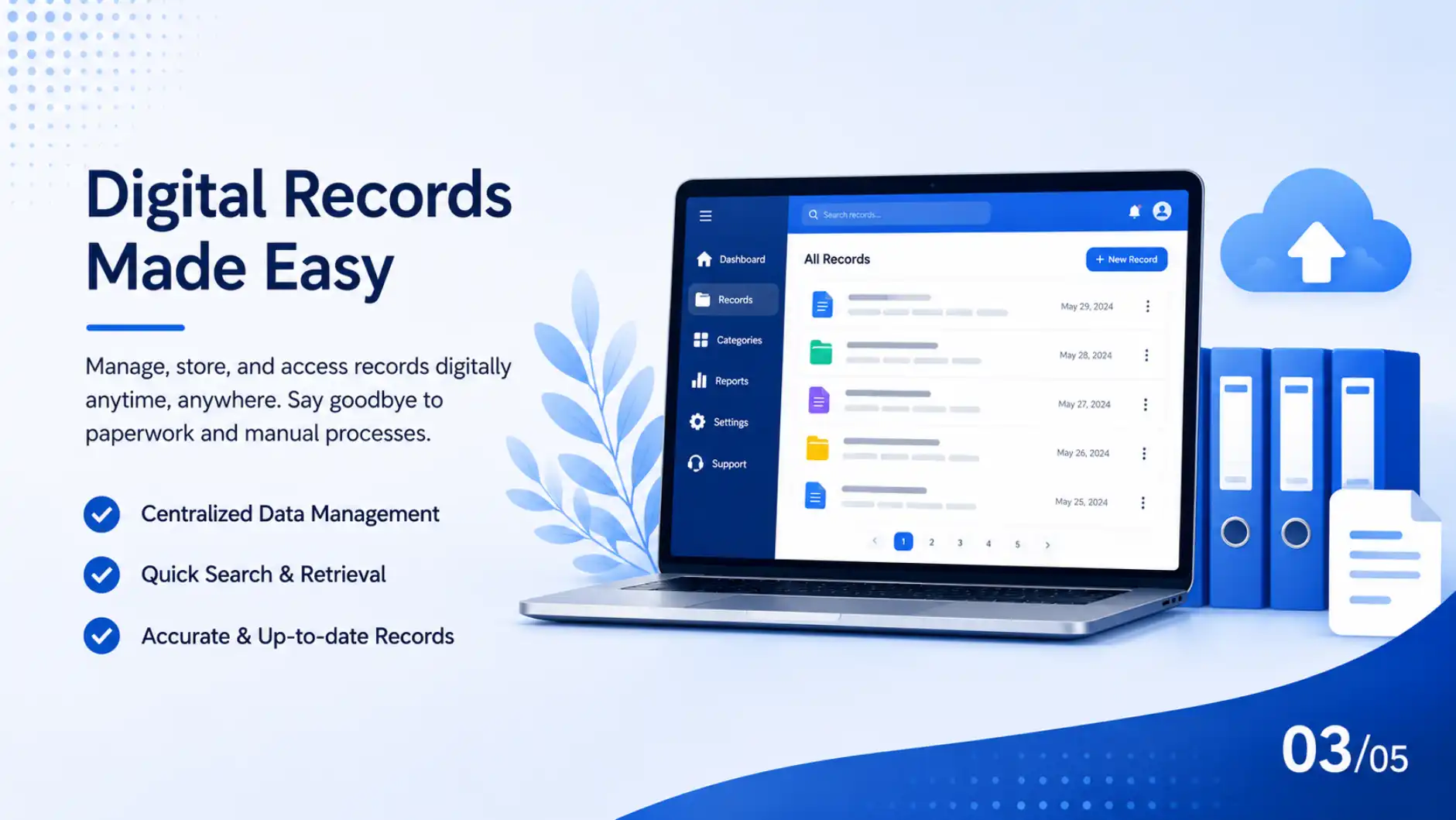
Register, dispatch, search, track, and report official documents with a clean digital workflow built for Nepali administrative teams.
Control Desk
Darta entries
126
18 pending review
Chalani dispatch
84
11 awaiting receipt
Avg. lookup
04s
by subject or ref no.
Audit health
99%
complete movement trail
Built for real registry desks, not generic file storage.
80%+
faster routing
100%
traceable records
24/7
secure access
2 weeks
staff onboarding
01 Capture
Attach the scan, assign the fiscal sequence, and capture sender details at the first desk.
Darta-Chalani Command Board
Ward recommendation letter
Revenue clarification request
Dispatch to finance section
Municipal service application
Audit Health
82%
Movement trail, receipt proof, and dispatch status are connected.
01 Capture
Attach the scan, assign the fiscal sequence, and capture sender details at the first desk.
Registered document
Scan, subject, sender, and fiscal sequence captured.
Department route
File owner, status, and desk location stay visible.
Verified movement
Each handoff keeps a user, time, and receipt trail.
Audit-ready report
Leadership can inspect progress without manual counting.
Platform
Every module is designed around the daily work of registry, dispatch, department review, executive visibility, and audit preparation.
Register incoming letters with sequence numbers, sender details, scans, departments, and responsible officers.
Prepare and dispatch official correspondence with clean numbering, receiver history, and delivery status.
Give each document a unique identity so handoffs can be confirmed with timestamped scan activity.
Find records by reference number, subject, sender, department, fiscal year, or status without opening ledgers.
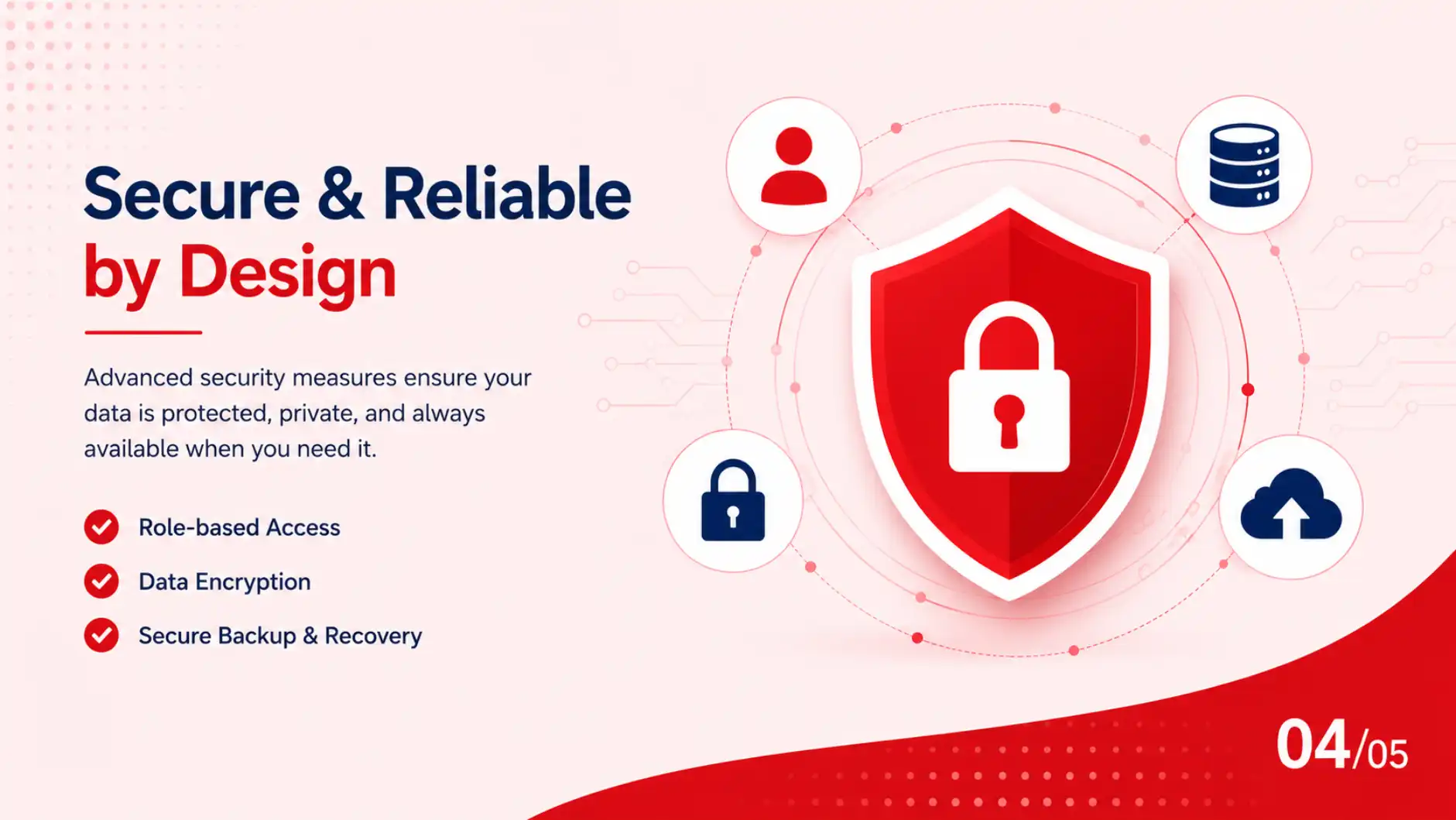
Protect sensitive files with practical access levels for clerks, section heads, administrators, and executives.
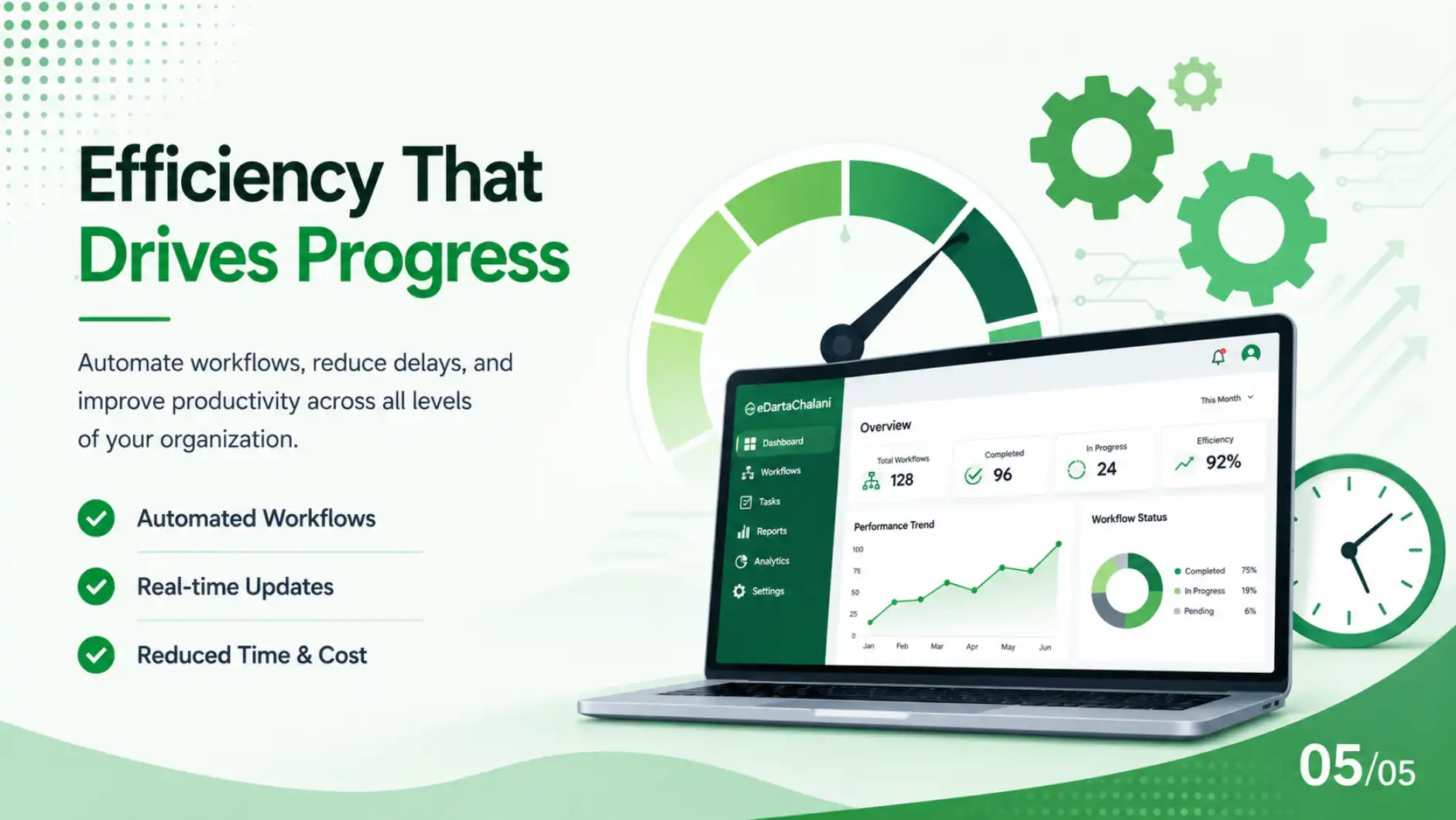
Review workload, pending files, dispatch volume, processing speed, and audit history from one dashboard.
Workflow
Enter letter details, attach scans, and assign a compliant fiscal-year sequence.
Move files to the right department with clear ownership and visible pending status.
Confirm receipt, dispatch, and follow-up using audit logs and QR tracking.
Prepare leadership reports without manual counting, searching, or ledger reconciliation.
Use the same platform across central offices, departments, wards, and branches so document status is visible without chasing physical files.
Publish your first blog from the admin panel.
Publish notices from the admin panel.
Demo
Share your office type, district, and current registry pain points. We will walk through a practical setup for your team.
Demo walkthrough includes: